

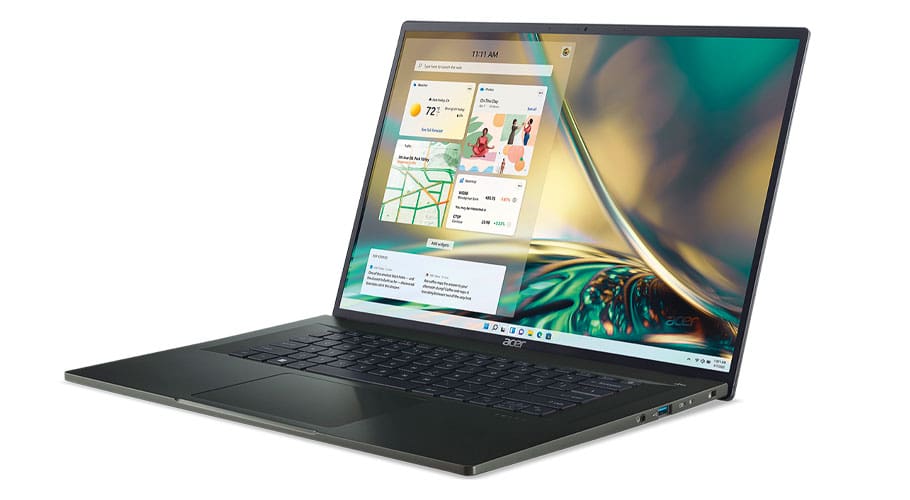
Crystal clear
Laptops with OLED screens have jaw-dropping displays and emit less blue light
OLED (pronounced “oh-led”) is a carbon-based semiconductor film layer that emits light when electricity is applied. The result is an amazingly beautiful image; in part because each pixel is its own light source, there’s no backlighting required, unlike other screen technologies, including LCD. As a result, OLED screens produce incredible contrast levels.
Along with producing deep, dark blacks, colours on an OLED display seem to pop off the screen. This is primarily because of the high contrast levels and the ability to display more colours, and with greater colour accuracy. According to laptop manufacturer ASUS, its OLED screens can display more than 60 times more colours than its LCD laptops can. That amounts to 1.07 billion compared to 16.7 million.
OLED screens also display a greater consistency of brightness across the screen. They produce up to 600 nits (a unit of brightness); most laptop LCD screens only produce up to 250 nits. This technology provides wider viewing angles and is easier on your eyes; you’re exposed to up to 70% less harmful blue light than with most LCD screens, because OLEDs use only the light needed without the white backlight.
Several factors should go into deciding which laptop is for you: the processor (the engine that drives your computer’s performance), graphics capabilities (important for gamers), the amount of storage and the kind of drive to go with (hard drive or solidstate) and how much system memory (aka RAM) you need—and you can add screen technology to that list.
Once you use a laptop with an OLED display, it will be difficult to go back to anything else.