
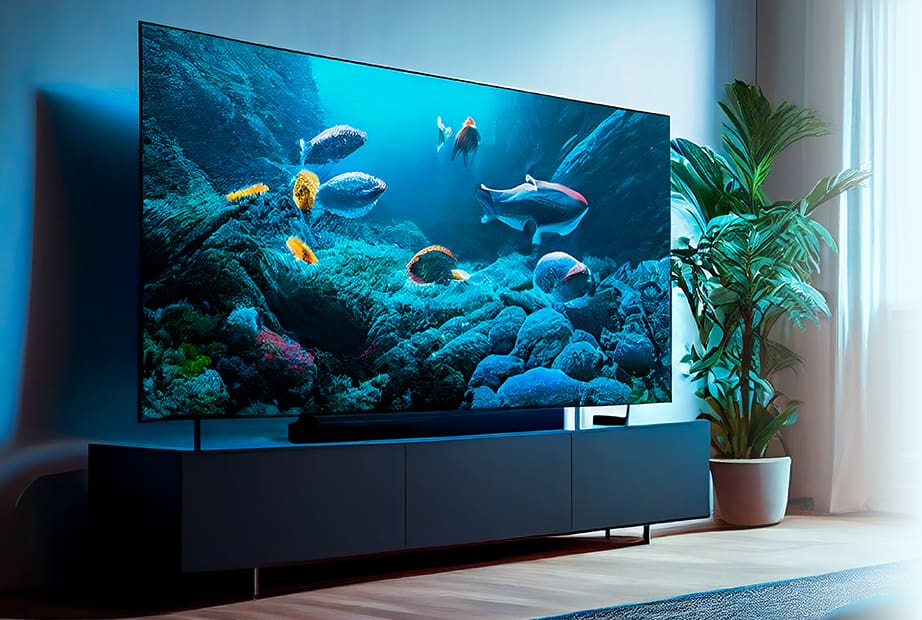
Today’s smart TVs are more advanced than ever before, which can make shopping for a new television both exciting and a little confusing. From voice controls to streaming services, smart TVs offer all kinds of amazing new features designed to enhance your viewing experience. But with all the different options available, it can be difficult to decide which TV is right for you. That’s why we’ve created this buying guide, to help you understand all the latest features and technology, so you can purchase the best smart TV for your needs!
What is a Smart TV?
In the past, owning a traditional television meant you were completely dependent on live TV, constantly having to adjust your day around scheduled programming. But with today's smart TVs, you're the one in control! With a smart TV you can enjoy quick and easy access to your favourite TV programs, the latest on-demand movies, streaming services and more. But what exactly is a smart TV? When a TV is listed as smart, it is referring to the TV's capability to connect to the internet. This functionality enables viewers to stream a variety of TV apps and services including, Netflix, Roku, and YouTube. Smart TVs can also connect to numerous input devices like gaming consoles, cell phones, and tablets—allowing you to do things like text or browse the web on your television. In other words, a smart TV is the perfect blend of television, computer, and media player.
Every TV manufacturer uses a variety of operating systems, each with their own features and benefits. If you are looking for a specific feature, it's important to ensure that the TV operating system you choose has that option; as some apps and content are unique to certain smart platforms. For optimal performance, your smart TV requires sufficient internet speed and close proximity to your router; otherwise you may experience buffering issues and poor connection. In order to stream 4K Ultra HD-quality content, an internet speed of 25 Mbps is recommended. If your internet speed is not adequate, you should consider upgrading your internet service or your router.
How to Choose the Best TV Size
- Measure the distance between where the TV will be placed and where you plan to sit.
- Divide that total distance by 2 to get a suggested TV size in inches:
This calculation is just a starting point in determining the best fit. Other factors, like location and resolution, should also be considered. 4K TVs have a higher resolution than 1080p and can be comfortably viewed from a closer distance. Because of this, many people prefer to purchase a larger TV for a more immersive experience. If you plan on using a wall mount for your TV, ensure that there is enough wall space to adequately accommodate the overall dimensions of the TV. As a reminder, all televisions are labeled by the diagonal measurement of the screen.



TV Refresh Rates—60Hz vs 120Hz
What is HDR
4K vs 1080p—which resolution is right for you?
Full High Definition (FHD) is a resolution of 1920 x 1080 pixels, also known as 1080p. Ultra High Definition (UHD) is a resolution of 3840 x 2160 pixels, also known as 2160p. UHD is commonly referred to as 4K because it displays 4 times the amount of pixels than FHD televisions. This added resolution helps images retain their quality throughout your field of view, resulting in an enveloping experience that's similar to a movie theater. What does this all mean? When it comes to high definition televisions, the more pixels, the clearer the picture!
For UHD televisions, 4K content is recommended for optimal viewing experience. Although native, or true, 4K content is not yet widely available through cable providers, most streaming services offer 4K content. But rest assured, even if you're not viewing 4K content, your TV is still working hard to enhance the picture quality. How is this possible? Because 4K TVs are capable of upgrading lower resolution content to display at 3840 x 2160 resolution to enhance the picture quality.
LED, OLED, QLED—which TV technology is better?
LED TVs illuminate the screen using light-emitting diodes through edge lighting or full-array backlight methods. Edge-lit TVs have LEDS surrounding the outer edges of the screen, whereas backlit TVs have LEDs behind the screen. The advantages of LED TVs include a slender profile, exceptional picture quality, and a higher brightness level than most other TV technologies. Known for: thin design and authentic looking imagery.
OLED TVs illuminate the screen by using organic light-emitting diodes, which are a natural substance that glows when an electric current is received. Because each pixel provides its own illumination, there is no need for a backlight. OLED technology helps to create a display with perfect black for absolute contrast and vivid colour. The advantages of OLED TVs include faster refresh rates, wider viewing angles, and decreased blurring due to lack of shutter array. Known for: perfect contrast ratio and colour.
QLED TVs illuminate the screen with quantum light-emitting diodes, which are tiny manufactured nanocrystals that create coloured light. These nanocrystals are combined with an LED backlight system to produce an almost perfect, full-spectrum white light that emits rich, precise colours and incredible brilliance. With their enhanced contrast ratio, wide colour palette, and intense imagery, QLED televisions offer enormous improvements in overall picture quality. Known for: intense brightness and colour.